- 1
Load a seed
Tap Scan, then show it
- 2
Sign a transaction
Tap Scan QR, check it, slide to sign
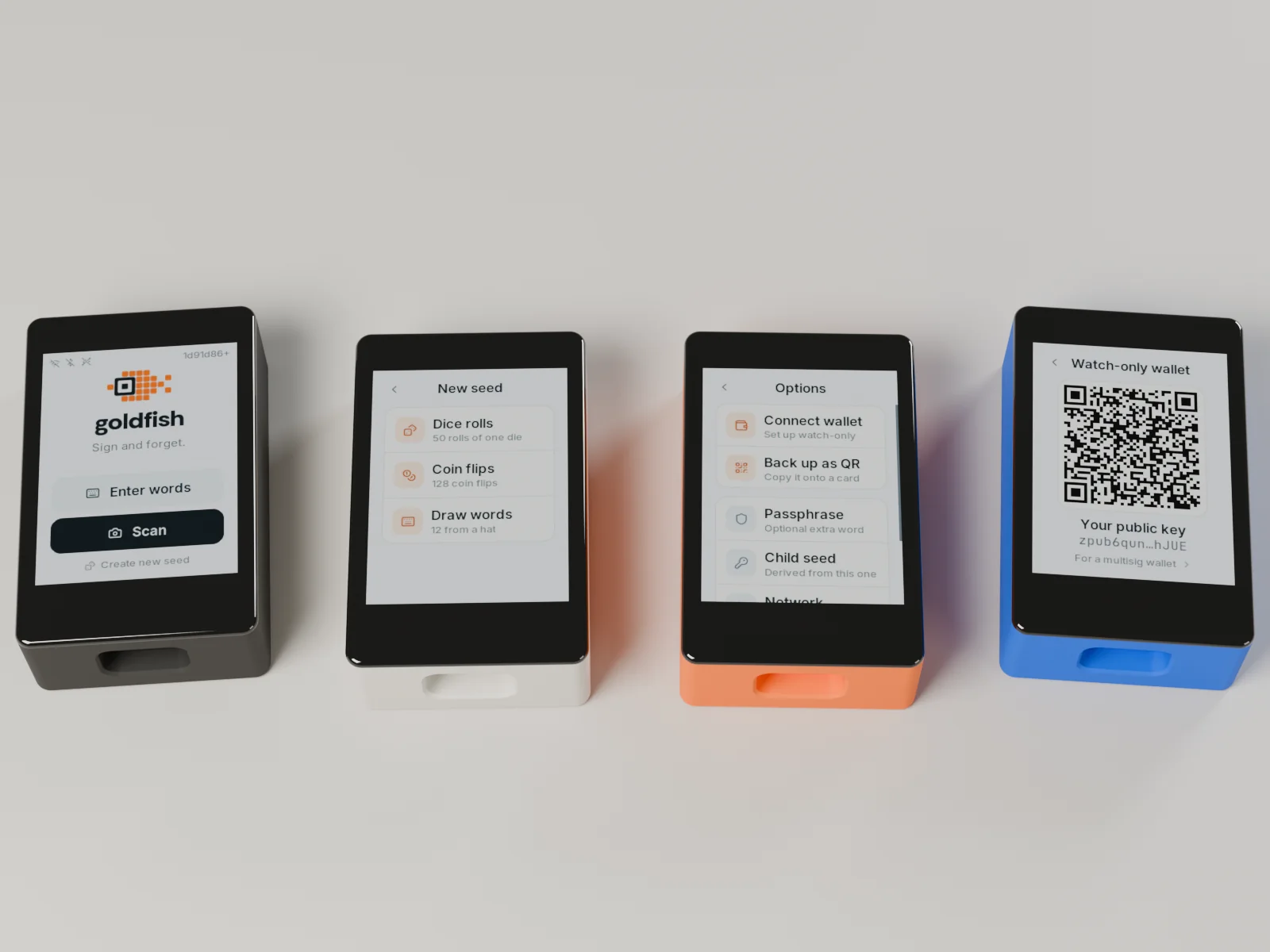
- 2″ touch screen
- no Wi-Fi, no Bluetooth
- camera on the back
- your seed is never saved
- power via USB
Sign and forget.
Goldfish is a Bitcoin signer that forgets. Scan your seed, sign, unplug. Nothing is saved, so there is nothing left to find.
Build one yourselfExperimentalDon't use it for real funds.
Sign a transaction, then pull the plug
Everything goes in through the camera and out through the screen. Tap through it.
Tap the device for the next step
Those were screenshots. Run the real firmware up top →
Less to trust
Nothing is saved
The seed lives in memory only. The firmware never writes to storage, so an unplugged device holds nothing.
No radio, no USB data
The board has no Wi-Fi or Bluetooth hardware, and the firmware has no USB stack: the cable only powers it. Use a charger or a power bank. (Update firmware is the one exception: you choose it, and the board restarts as a USB drive.)
QR codes in, QR codes out
Seeds, transactions and addresses come in through the camera. Signatures leave on the screen.
You are the random number generator
The firmware has none. A new seed is made only from what you put in.
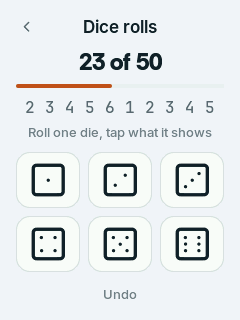
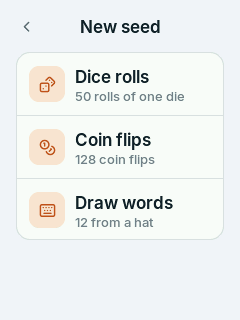
- Roll a die 50 times for 12 words.
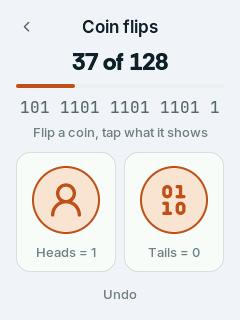
- Flip a coin 128 times.
- Draw 11 words yourself. The last one comes from coin flips.
Back it up with a pen
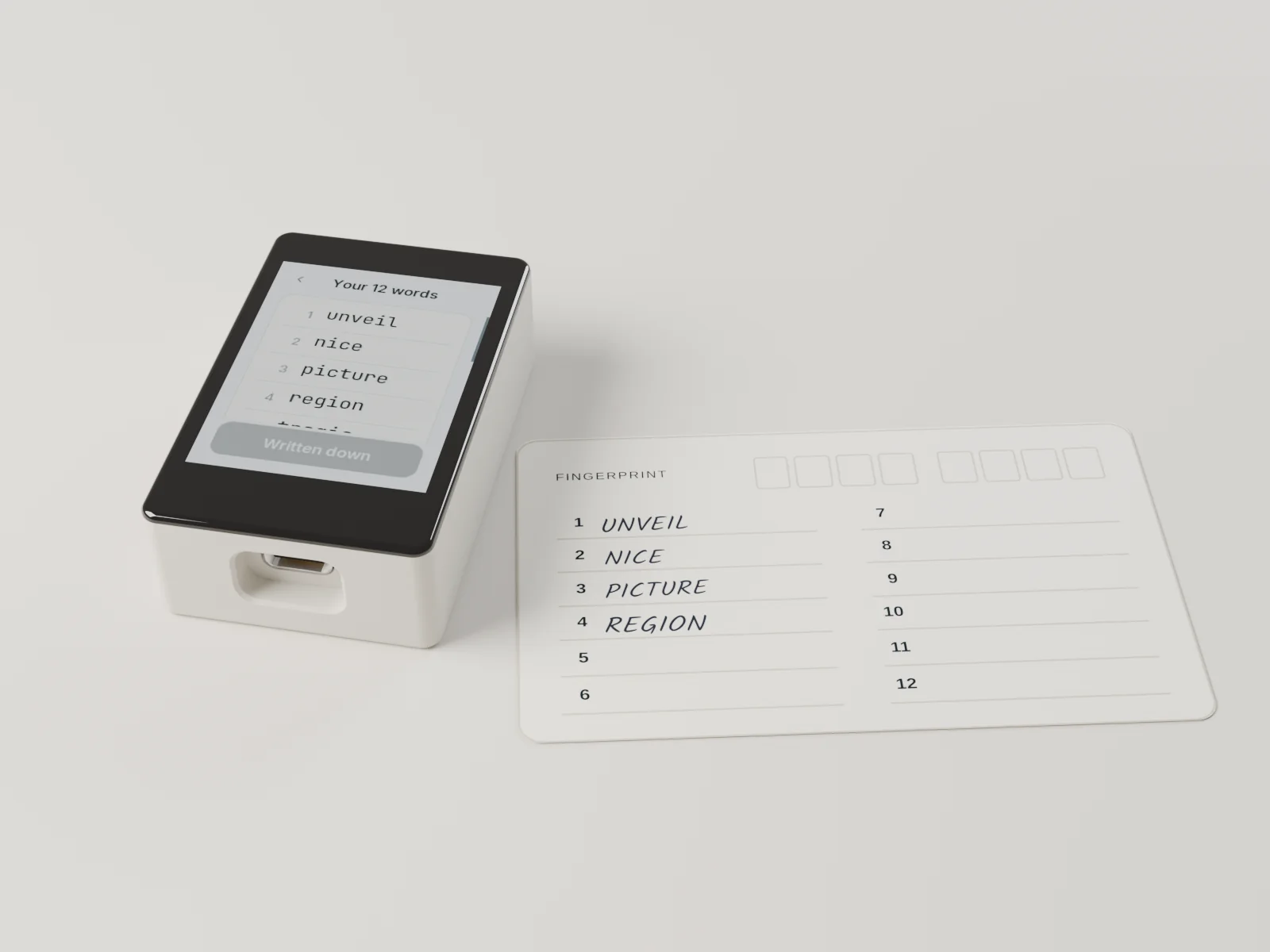
Write down the words. That paper is what you scan next time: the device reads your handwriting, and you check every word before it is used. Reading handwriting is still new, so a paper QR card works too.
Print blank cards for a 12-word seed →
Or stamp it into steel washers →
Also in there
Verify an address
Scan a receive address to confirm it belongs to your seed before you share it.
Multisig
Scan your wallet's descriptor, check it on the device, then sign as one of the cosigners.
Child seeds
Derive a BIP-85 child seed and back it up like a new one.
Passphrase
Add a BIP-39 passphrase. Only the derived key is kept, and only until you unplug.
Connect a wallet
Show your xpub as a QR so a wallet app can watch your balance and build transactions.
Native segwit only
Single-sig and sorted multisig, on mainnet and testnet.
Pair it with Dove
The wallet app made for Goldfish: it watches, builds and broadcasts. Goldfish signs. An early preview for Linux.
Build one
Open the build guide →One off-the-shelf board with a touch screen and camera, one printed case. No soldering.
What it costs
About $20 for the board with its camera, from Waveshare (ships worldwide), Amazon or Newegg in the US, or Switch Science in Japan. Plus printing the case.
What you need
A computer and a USB-C data cable to flash it. A 3D printer, or a printing service that posts you the case.
How hard it is
No soldering and no tools. The camera's ribbon cable is the only fiddly part, and the guide shows it step by step.
Questions
What people ask before they trust a signer with their seed.
Can data leak over the USB cable?
The firmware has no USB stack, so while it runs the cable only powers it and a computer doesn't see it. The chip's built-in bootloader stays reachable over USB whatever the firmware does, so power it from a charger or a power bank, not a computer, while a seed is loaded. Update firmware is the one time it talks over USB: you choose it on the home screen, with no seed loaded, and the board restarts as a USB drive.
Does it have Wi-Fi or Bluetooth?
No. The board has no radio hardware at all, so there is nothing to remove or switch off.
What stays in memory, and when is it gone?
The seed, the key derived from a passphrase (never the passphrase itself), a multisig wallet's descriptor and your Connect wallet settings. They live in memory only and nothing is written to flash. Forget seed clears them, and so does unplugging.
Can I trust a pre-built or pre-flashed one?
Don't trust the firmware it came with. The board's bootloader takes any firmware file without checking a signature, so you can't tell from the outside what it runs. Flash it yourself from the flasher before you load a seed, or better, buy the board and build one yourself.
How do I check the firmware I'm installing?
Each GitHub release has firmware.uf2, its SHA256SUMS and a build provenance attestation. This site checks both before the flasher offers the file, and the flasher shows the file's SHA-256, worked out in your browser. The page and the file come from the same place, though, so compare that hash with the release, run gh attestation verify, or build the release yourself: the build is reproducible.
Is it air-gapped?
Yes, when you power it from a charger or a power bank: no radio, no USB data, only the camera and the screen. If you plug it into a computer, a power-only USB cable or a USB data blocker leaves nothing on the wire but power.
Has it been audited? Is it safe for real funds?
No to both. The code hasn't been reviewed or audited, and it doesn't use the chip's secure boot. Goldfish is early: it works on a real board, but don't use it for real funds yet.
How do I report a security issue?
Privately, through GitHub's private vulnerability reporting, not in a public issue.