Changelog

What's new

Goldfish is a few weeks old and learning fast. Here's what it picked up, newest first.

23–27 November

Load a seed

Hold up your paper. That's it.

Goldfish now reads your handwritten backup first. Hold the page up to the camera and keep still for a moment: it reads all your words in one go.
Scan seed screen: written words sliding into the camera view

Say hello to Dove

Goldfish gets a wallet app of its own

Dove watches your balance, builds a transaction and shows it as a QR code. Goldfish signs it, and Dove reads it back through your webcam and sends it. Early days: Linux only, not for real funds yet.

Meet Dove →
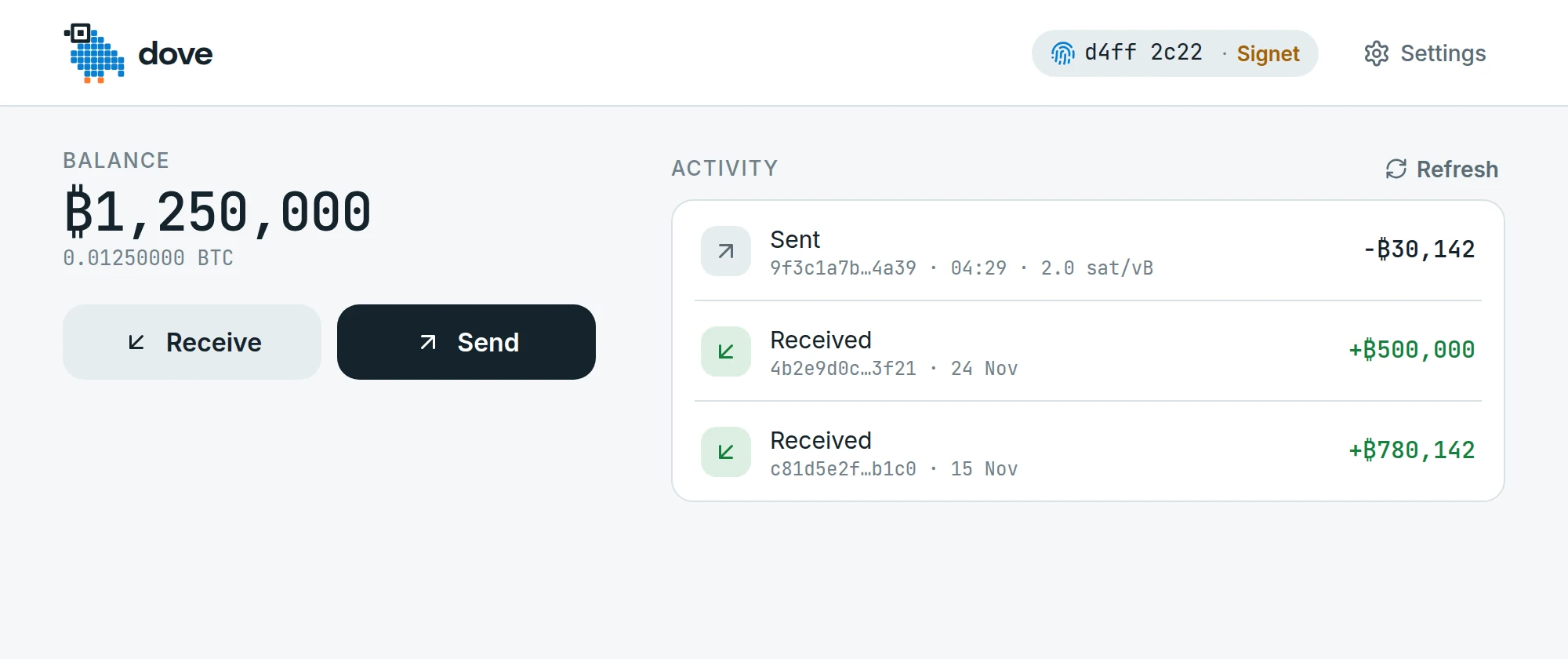

Dove's main window: the balance, Receive and Send, and recent activity, on signet
These rolls look made up: real dice rarely fall like this

Too neat to be real dice

Counted 1-2-3-4-5-6 instead of rolling? Goldfish spots rolls that look made up and asks if you really rolled them.
The signed transaction as a full-screen QR code

A QR your webcam can read

Tap the signed QR to fill the screen and turn the brightness right down. Webcams read it even in a dim room.
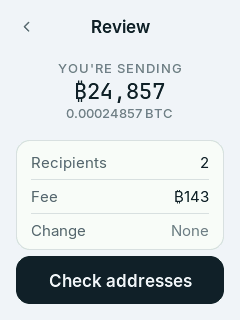
Review: sending ₿24,857 to 2 recipients, fee ₿143

Bigger transactions

Pay lots of people in one go: up to 16 outputs and 16 KB. Goldfish flags a fee that looks too high.
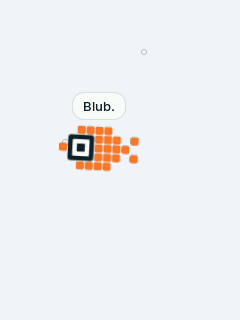
Screensaver: the goldfish says Blub.

Blub.

Leave Goldfish alone for a minute and the goldfish comes out for a swim.

Goldfish

  • Clear refusals. If it can't sign, Goldfish says why and what to change.
  • Key bubbles. See the key under your finger as you type.
  • One scan screen for a SeedQR or written words.
  • Short words like "day" are read properly.
  • Boxes that fit. Words found boxes whole words, faint first and last letters too, and more words are read.

Dove

  • Backup step for your multisig setup in the first-use wizard.
  • Print a backup sheet for your multisig wallet: every signer's key, the descriptor and how to get your coins back. Or save the descriptor as a file.
  • Update Goldfish straight from Dove, checked against the release.
  • Optional password to lock Dove's saved settings.
  • New address on Receive: a fresh one for every payer, so no two payers share an address.
  • Broadcast over Tor, built in, so the network can't tell a payment came from your computer.
  • Used before? Review warns when you pay an address you've used or paid before, since that links your payments together.

Site and case

16–22 November

Multisig

Two of three. Goldfish holds one.

Set up a multisig wallet in Sparrow, show Goldfish the setup as a QR code, and sign your share. Tested on signet, start to broadcast.
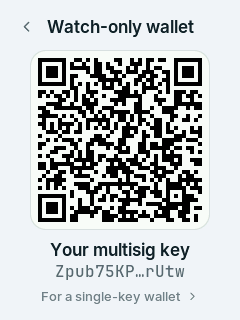
Watch-only wallet: your multisig key as a QR code
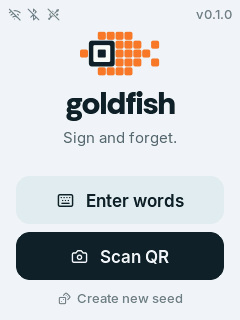
Home: Wi-Fi, Bluetooth and USB crossed out in the corner

Hello, Goldfish

A new name and a new face. The corner of the home screen shows what it doesn't have: Wi-Fi, Bluetooth, USB.
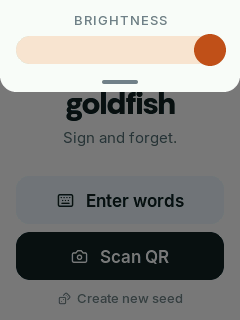
Brightness panel pulled down from the top edge

Pull down for brightness

Swipe down from the top edge, on any screen.

Goldfish

  • Faster scanning, animated QR codes too.
  • Handwriting read right on the board, from one photo.
  • Reproducible builds, so you can check what you flash.

Site

12–15 November

Day one

It signs!

Scan a transaction, check where the money goes, swipe to sign. The seed lives in memory and is gone when you unplug.
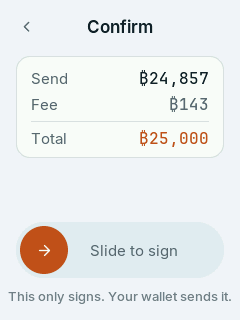
Slide to sign

Goldfish

  • New seeds from dice, coin flips or words drawn from a hat.
  • Backups as a SeedQR card or as words.
  • Passphrases, child seeds (BIP-85) and amounts in ₿.
  • Verify address to check it's really yours.